Downloads

Get FRED.

Pick your platform, connect your OBD-II adapter, and start talking to your car. Beta builds are free — no account required.

Bluetooth Wi‑Fi USB vLinker compatible

Beta builds free — lock pricing via waitlist. Apps check /version.json on launch.

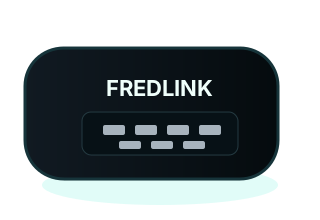
FREDLINK Android and Windows Pro diagnostics interface

Choose your build

Version 1.0.4-beta — initial FRED release for drivers and shops.

Android App

FRED for Android

1.0.3-beta

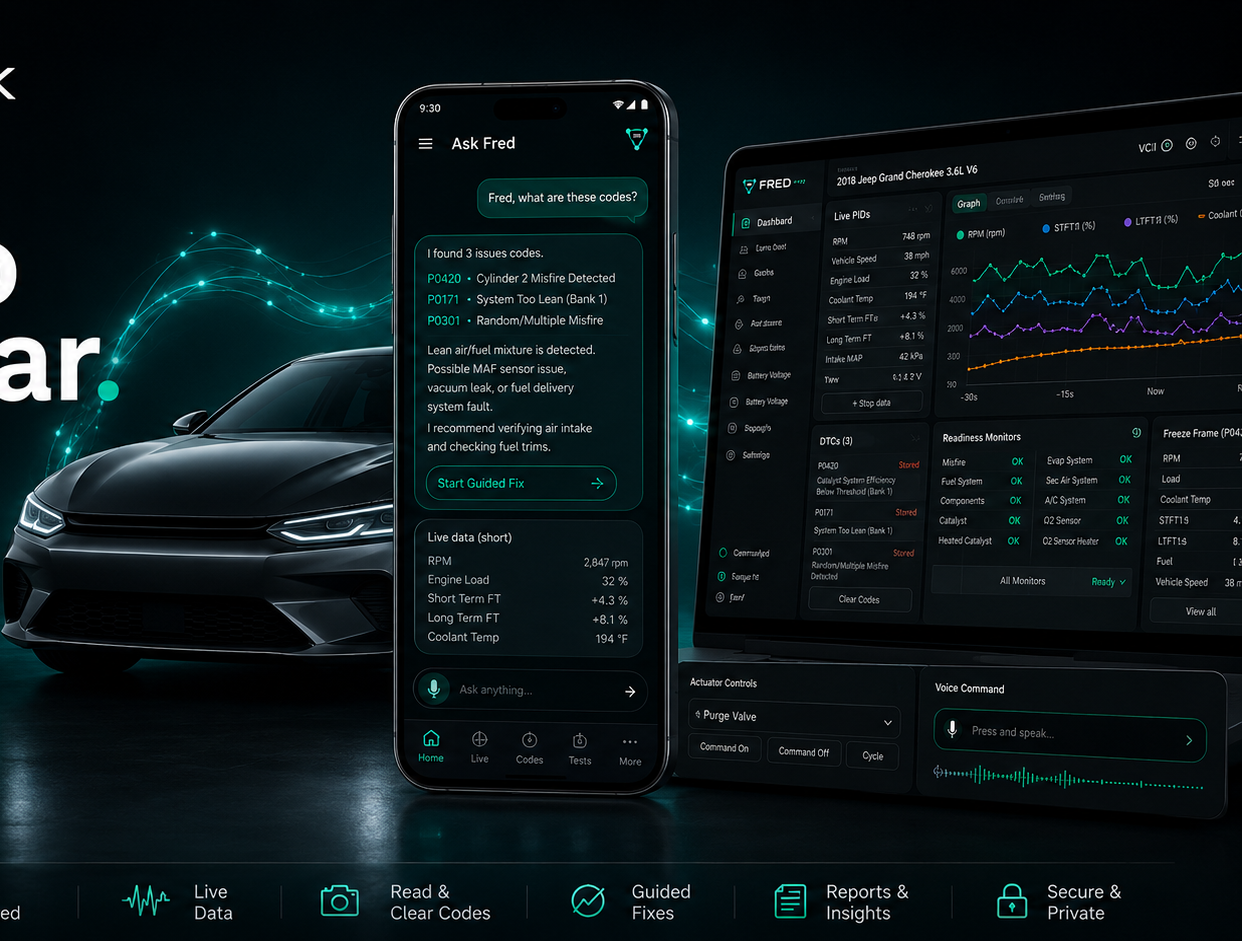
Talk to Fred on the go — on-device rules, codes, live PIDs, readiness, morphing gauges, and voice. Not on Google Play — sideload the APK.

  • Android 10+ · sideload APK
  • Wi‑Fi, Bluetooth, or USB ELM327
  • On-device OBD — no cloud AI in APK
  • Rules-only Fred persona + voice
Download APK

FRED 1.0.4-beta · free during beta · not Google Play yet.

Sideload trust note: These builds are not on Google Play or the Microsoft Store yet. Install from fredlink.pro only. Check the signed release notes in /version.json before updating.

First scan checklist

Three steps from download to your first live read.

1

Sideload

Allow install from this source on Android, or run the Windows EXE. Grant Bluetooth, location, or USB when prompted.

OBD-II adapter
2

Plug in OBD

Seat the ELM327 / vLinker adapter. Tell Fred your vehicle — chat guides Wi‑Fi, Bluetooth, or USB pairing.

3

Read codes

Ask Fred to read codes, open live PIDs, or check readiness. Test vehicle in development: 2006 Jeep Liberty.

Beta free — lock pricing

Builds stay free during beta. Join the list for planned $4.99 Android / $14.99 Pro when billing launches.

Prefer a human reply? Email hello@fredlink.pro with subject WAITLIST.

Release notes

What’s in the 1.0.3-beta builds.

FRED Android 1.0.4-beta

Initial FRED Android beta — on-device rules, Fred speaks in first person, voice + morphing gauges. Sideload only.

FRED Pro Windows 1.0.3-beta

Full OBD + Anthropic Haiku polish. Actuator and body controls ship with vLinker — not in beta yet.